Maintaining documentation quality is challenging when multiple contributors are involved. Each contributor brings their own writing habits, and small inconsistencies start to build up across the docs.
Over time, this work shifts to editors. They spend hours each week fixing the same basic issues like terminology inconsistencies, formatting problems, and style mismatches which slows down updates.
Editors spend significant time fixing style mismatches, causing documentation to lag behind active development.
This article will show you how your team can maintain consistent documentation quality with multiple contributors, without burning hours and mental energy.
What is Even Documentation Quality?
Quality documentation gives readers what they want and expect. When developers and technical users come to your docs, they have expectations shaped by their goals and past experiences with technical documentation that works.
Industry surveys reveal six fundamental expectations that define doc quality:
1. Technical accuracy and completeness
This criterion tops every list because readers expect your documentation to accurately reflect how the product works, including prerequisites, limitations, and edge cases.
When they follow your instructions and encounter errors due to inaccurate or incomplete information, it makes them lose confidence in your product.
2. Up-to-date and maintained content
Your documentation should evolve with your product, staying current with new features, updated APIs, and best practices.
Outdated instructions, broken links, or screenshots showing an outdated UI not only waste readers’ time but also signal neglect, which erodes trust and confidence in your product.
3. Practical examples and guidance
Simply describing features without context is not enough to show developers how to use your tool. They need to understand how those features fit into real workflows and how to troubleshoot errors when they don’t behave as expected.
Developers find it helpful to have common use cases, integration patterns with popular tools, and clear troubleshooting flows for known issues.
4. Clear structure and findability
Developers are often under tight deadlines and need to find answers quickly without having to read through the entire piece of content.
Hence, your docs should prioritize speed to value by following a consistent, logical structure with headings that reflect common tasks or user intent.
For example, “How do I migrate from X?” or “Integrating with Y,” rather than just listing features. Effective search and predictable organization help users locate information efficiently and get back to work faster.
5. Consistent terminology
When one article uses “API key” and another uses “access token” for the same concept, readers have to stop and verify whether these are different things, interrupting their workflow and causing unnecessary cognitive load.
They expect to learn your system’s vocabulary once and apply it everywhere. Inconsistent terminology signals a lack of coordination and erodes trust in the documentation’s reliability.
6. Clarity and conciseness
The goal is to help your readers quickly understand and apply information. Hence, your documentation should use clear, simple language, and explain technical jargon when first introduced.
Sentences should be direct, instructions actionable, and content free of unnecessary repetition.
Where Doc Quality Problems Appear with Several Contributors
Documentation quality issues often appear in environments like the ones below.
Open Source Projects with Community Contributors
Open source projects often receive documentation contributions from people with diverse backgrounds.
They bring different writing styles, spelling conventions, formatting preferences, and terminology choices that usually do not align with your project’s preferred style.
When you receive several open-source documentation PRs each month, correcting terminology, formatting, and style in each one can take hours. Furthermore, errors slip through when maintainers are overwhelmed.
Engineering Teams with One Technical Writer
Some teams have one technical writing expert maintaining the documentation contributions from dozens of engineers.
These engineers are engineers first and writers second, so their writing skills vary. And because documentation isn’t their primary work, they don’t have the time to master style guides and writing conventions, which inevitably leads to quality issues.
This puts a heavy load on the technical writer. As contributions stack up, they spend days correcting basic style violations, inconsistent terminology, improper heading hierarchy, and tone mismatches before they can even assess whether the technical content is accurate.
Meanwhile, engineers wait days for feedback on their contributions. In high-velocity teams shipping features weekly, documentation falls behind because the writer can’t keep pace with the volume of corrections.
Existing Solutions
Manual Review
Many editors have a checklist of quality checks to review, usually including passive voice, terminology, heading hierarchy, code formatting, and technical accuracy. The process usually involves reading through content multiple times, focusing on different aspects each pass.
This method works because it allows the reviewer to concentrate on the most critical quality issues. However, it becomes unsustainable when there are large volumes of contributions from multiple writers.
Manual review is time-consuming and mentally exhausting, and as fatigue sets in, even experienced editors may miss errors or inconsistencies despite their best efforts.
Prose linters (Vale, Markdownlint)
Prose linters are automated tools that scan writing for style and formatting issues based on predefined rules. They help teams catch problems early and enforce consistency across documentation.
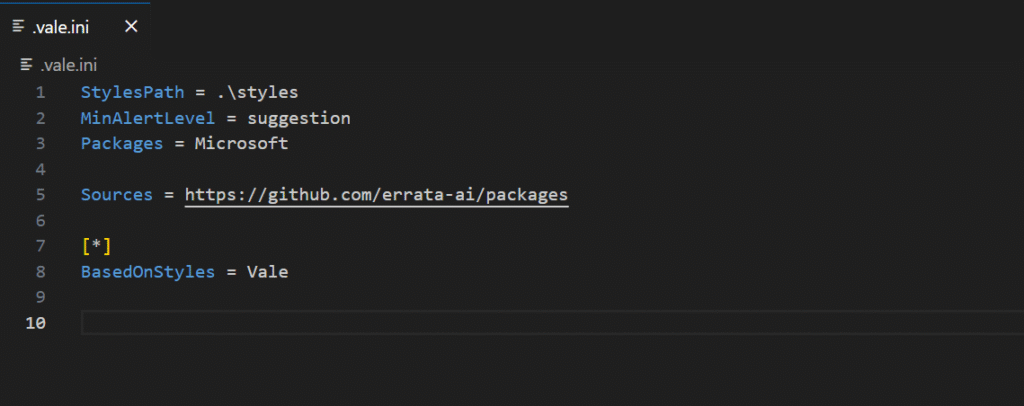
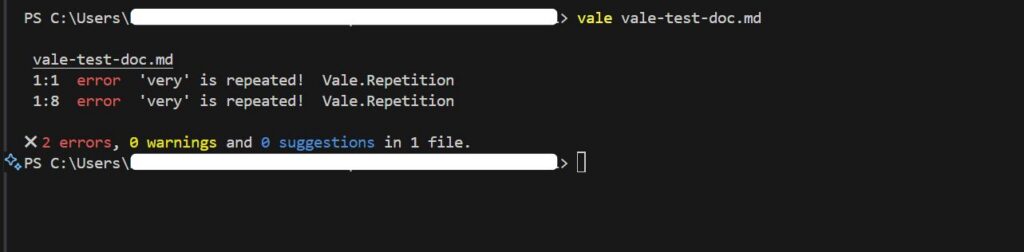
Vale is the most popular prose linter. It automates style checks using configurable rules, catching terminology mistakes, formatting issues, and other objective errors. Markdownlint focuses on structural checks, such as heading hierarchy, spacing, and list formatting.
These tools are genuinely useful because once the rules are set up, they apply them automatically to every contribution, removing a lot of repetitive manual checking.
However, getting Vale running well takes significant configuration effort. Teams often spend weeks defining rules, and that upfront work becomes a barrier to adoption.
As documentation grows, the maintenance burden also increases. Edge cases show up, rules need refinement, and false positives appear when valid writing gets flagged because the tool can’t interpret context.
In addition, proselinters only catch objective issues, such as consistency in terminology and formatting. Subjective areas that require contextual understanding, such as clarity, tone, explanation quality, and technical accuracy, are left for human review, which takes time.
LLM + Checklists
LLMs understand context in ways rule-based proselinters can’t. For example, they can tell when passive voice is acceptable in a technical explanation and when active voice would make a tutorial clearer.
As a result, many teams pair LLMs with their existing checklists. They paste content into ChatGPT, include the checklist, and ask it to review the writing.
However, this approach is a naive use of LLMs. Their output isn’t consistent, and you can’t reliably predict or reproduce the results.
The same prompt can generate different responses across runs, and without structured prompting and controlled settings, the feedback varies widely. As a result, LLMs often miss important quality issues.
A Better Way to Do Things
Although these existing quality tools save time, they still leave quality gaps. Rule-based tools miss issues that require contextual understanding, while basic LLM use is inconsistent and unpredictable. You need a system that combines automation with intelligent judgment.
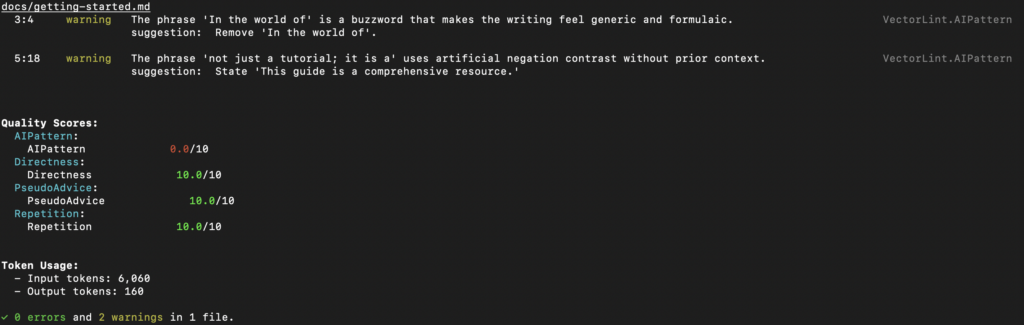
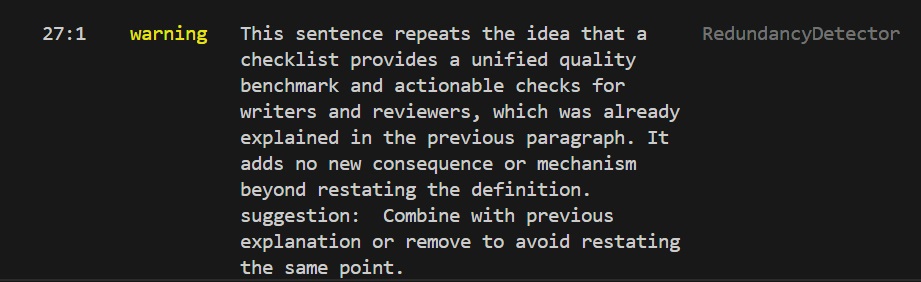
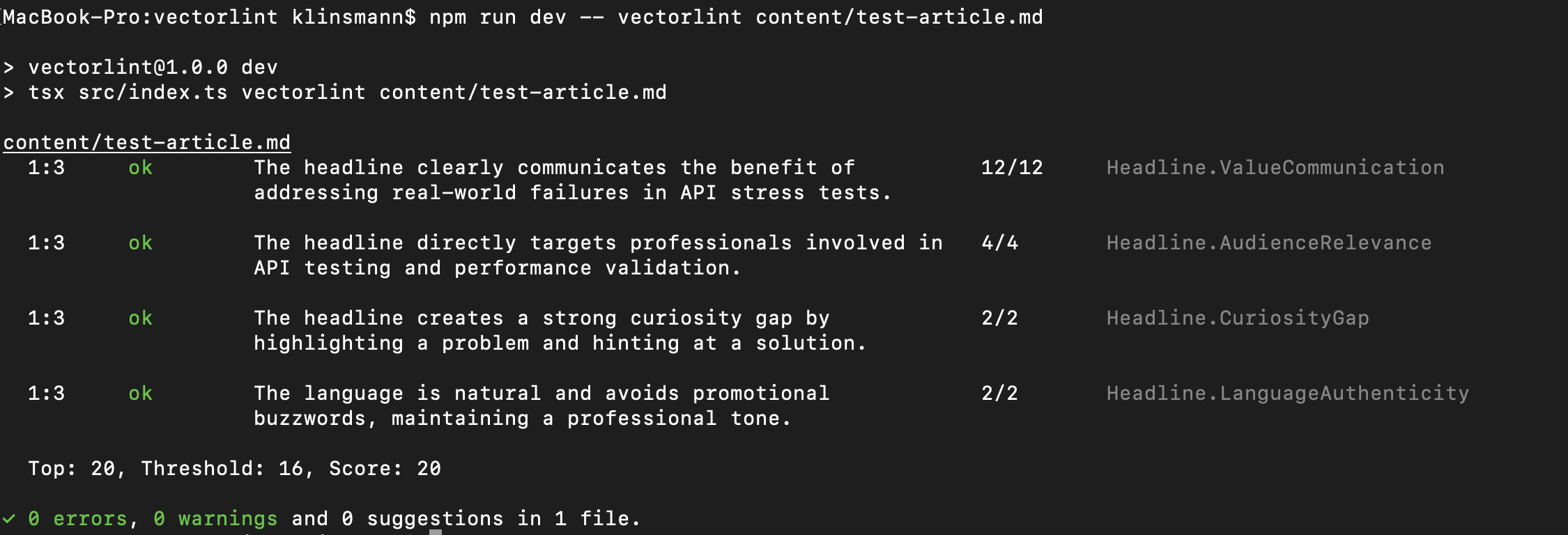
VectorLint fills this gap. It’s an LLM-powered prose linter that evaluates subjective qualities like clarity, tone, and technical accuracy, nuances that regex rules miss.
By using structured rubrics at low temperatures, VectorLint provides consistent, actionable feedback that addresses LLMs’ unpredictability.
Setup is simple: describe your standards in natural language, and VectorLint enforces them in your CI/CD pipeline.
Think of it as a complementary system to Vale. Use Vale for the rigid objective rules, and VectorLint for the intelligent subjective review. This combination saves editors even more work hours to focus on strategy instead of style policing.
At TinyRocket, we built VectorLint to solve this exact problem. We work with teams to define quality standards and implement tailored docs-as-code workflows that specifically fit their needs.
Book a call to discuss your documentation quality challenges.