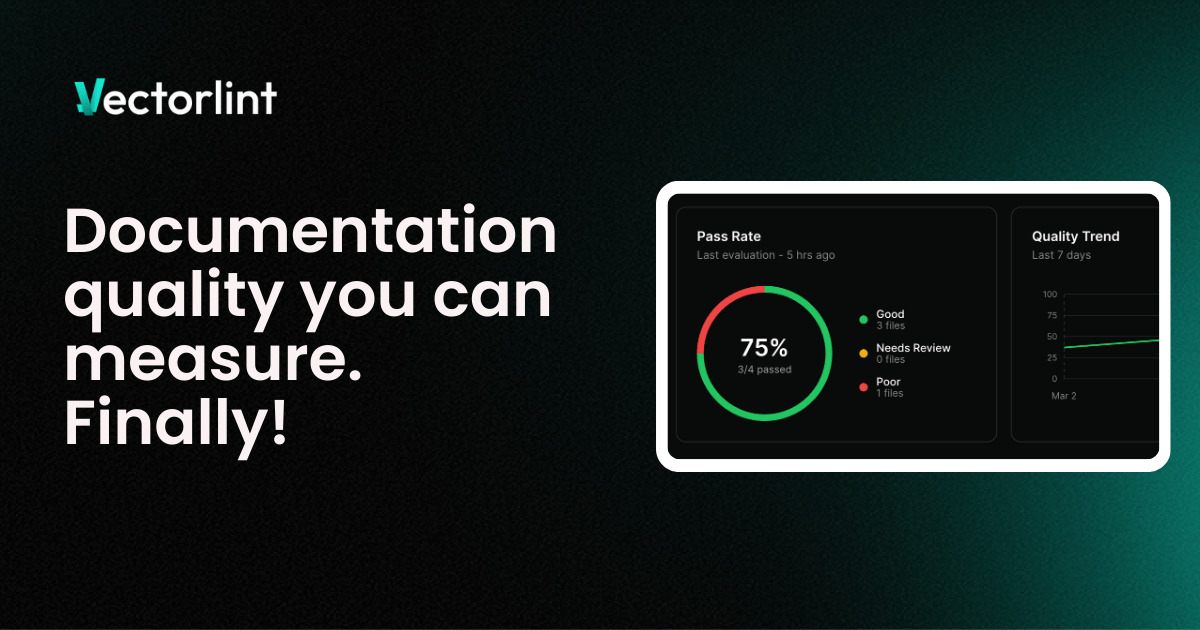
We are excited to announce VectorLint, a platform that automatically audits your documentation quality and gives you the ability to track improvements over time.
Every great product experience starts with documentation that feels intentional and personal. It is clear, consistent, and genuinely helpful. But as more contributors get involved, maintaining that standard becomes increasingly difficult.
Even with a style guide in place, contributors rarely consult it every time they write. They likely read it once and may not even remember to enforce everything as they work.
This means every new page, contributor, and update is a chance for quality to slip without anyone realizing. Without a way to consistently enforce standards, these small drifts eventually lead to major documentation issues that could break customers’ trust
This is why we built VectorLint.
VectorLint applies your style guides and quality standards across every document, flags what needs attention, and tracks your quality score, showing how your documentation quality improves over time. You get enough information to connect your efforts to business outcomes and see exactly how your work moves the needle.
Table of Contents
Add Your Documents
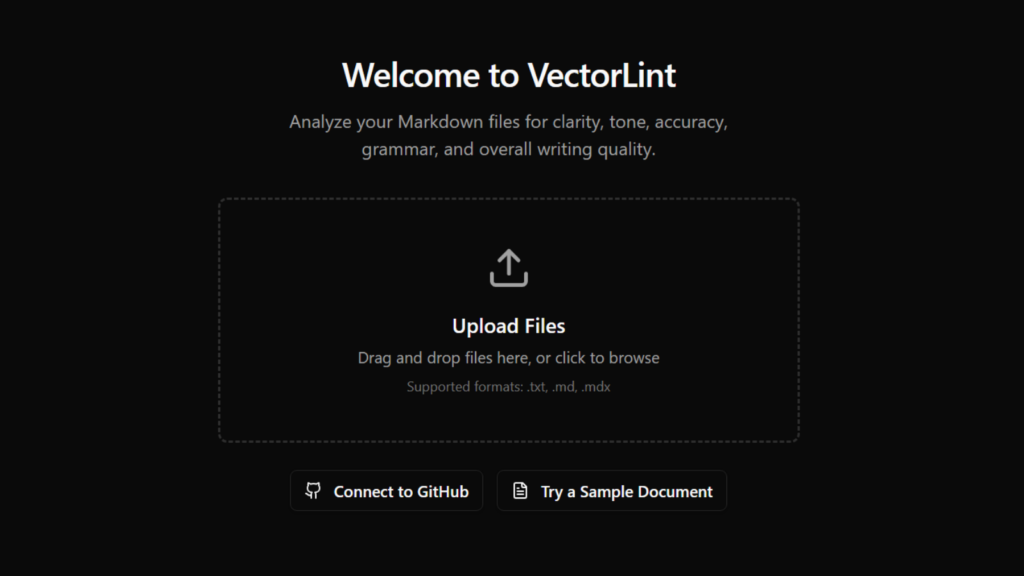
Sign up and start adding your markdown files immediately. You can upload from your device, paste content directly, or drag and drop. VectorLint accepts .md, .mdx, and .txt files.
Audit and Fix Issues
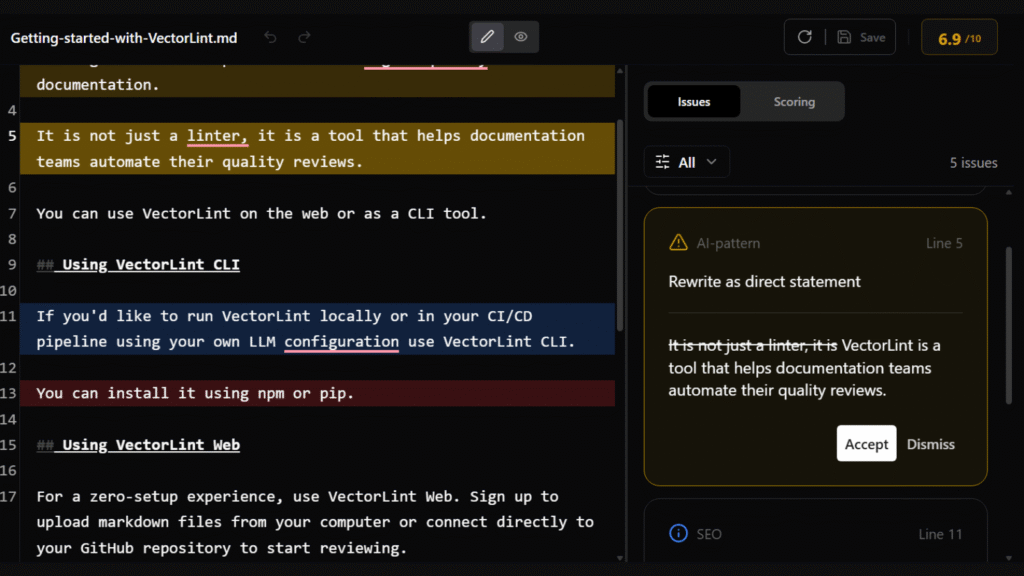
Once you’ve added your files, you can run an audit, and VectorLint returns a quality score along with a detailed breakdown of every issue found. The breakdown includes the issue type (e.g., Readability, Accuracy), the severity level, the exact line it applies to, a clear explanation, and a suggested fix. You can accept or dismiss the suggestion.
Rules
VectorLint gives you full control over the quality checks applied to your documentation. Your rules are written in plain English. There is no regex, no config files, and no special syntax to learn.
We’ve made it easy to define your standards using these three features:
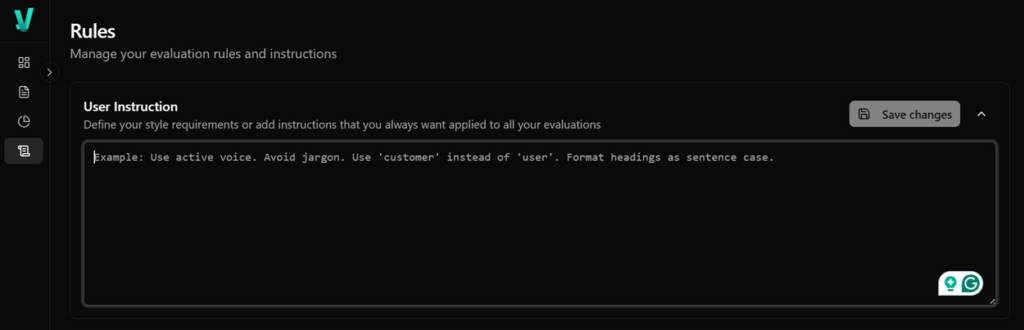
Style Instructions
Your style instructions are a set of requirements you want applied to every evaluation, across all your files. You can have your full style guide here, or just the key preferences you want consistently enforced.
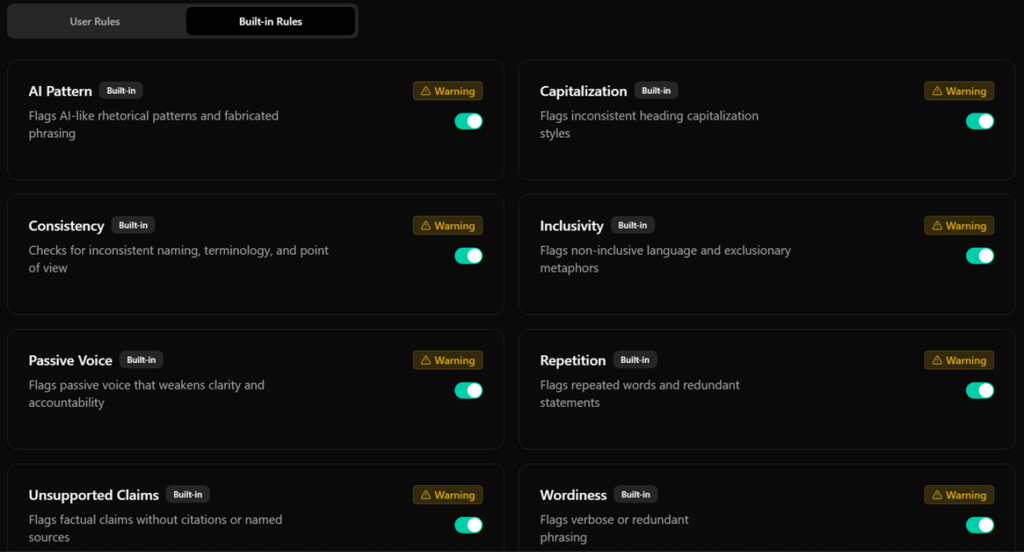
Built-in Rules
VectorLint comes with preset rules targeting common documentation issues to get you started.
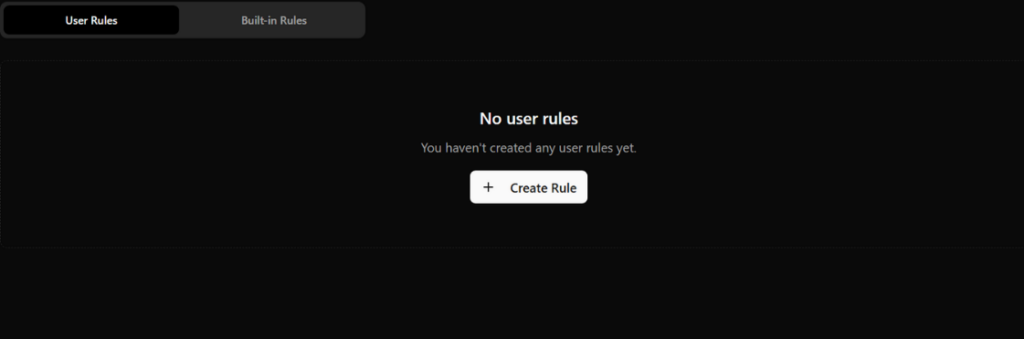
User Rules
You can add custom rules to enforce requirements specific to your team.
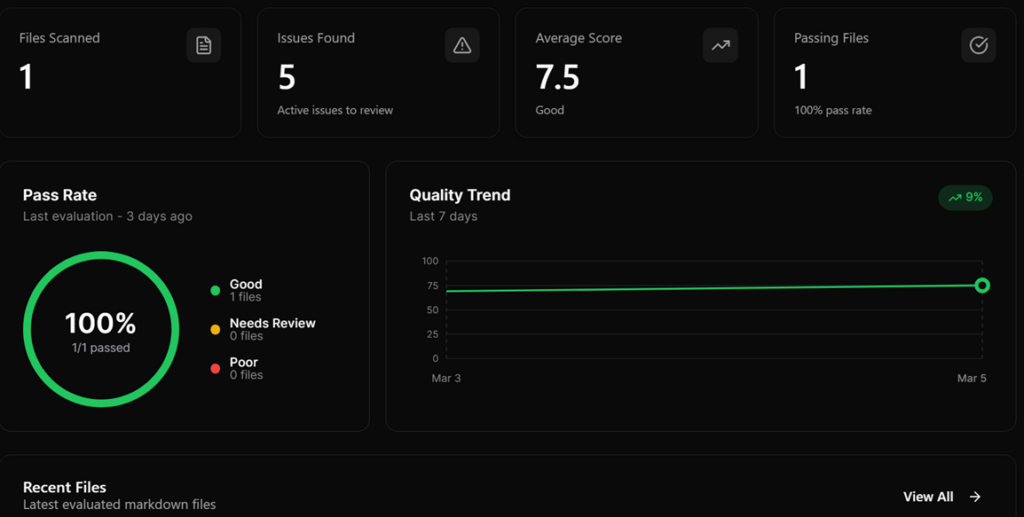
Dashboard
The Dashboard shows your documentation health at a glance. You’ll see your pass rate, divided into Good, Needs Review, and Poor, and a quality trend chart tracking your progress over the last week.
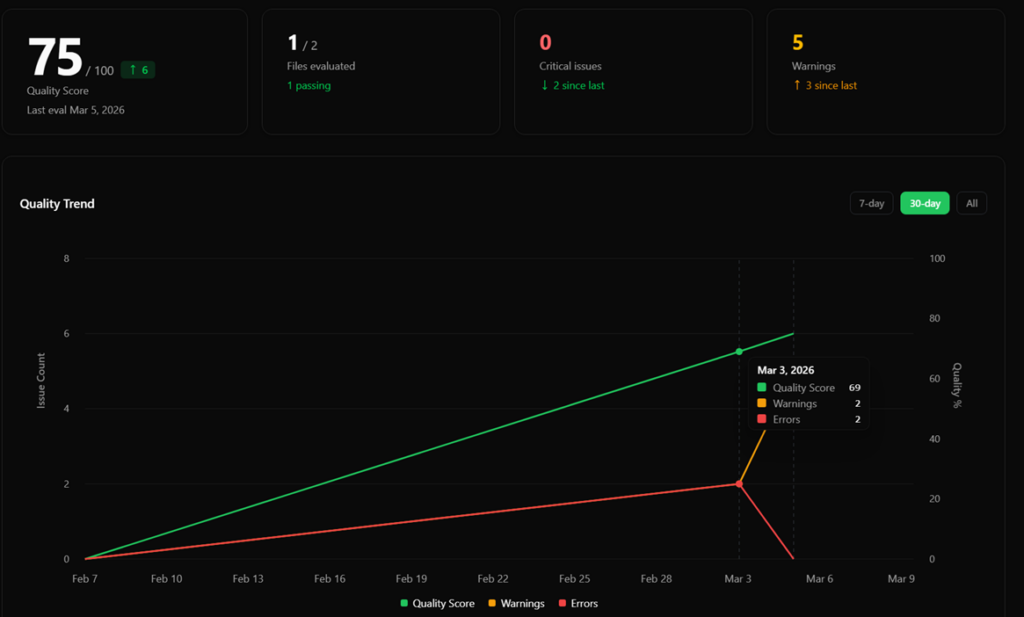
Quality Reports
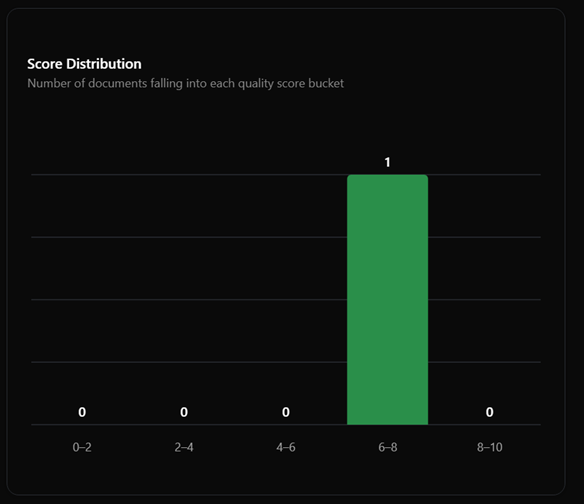
The Reports page is where you’ll find the big picture. It shows your documentation quality trend over time, with detailed stats for your quality score, the number of files evaluated, and issue counts.
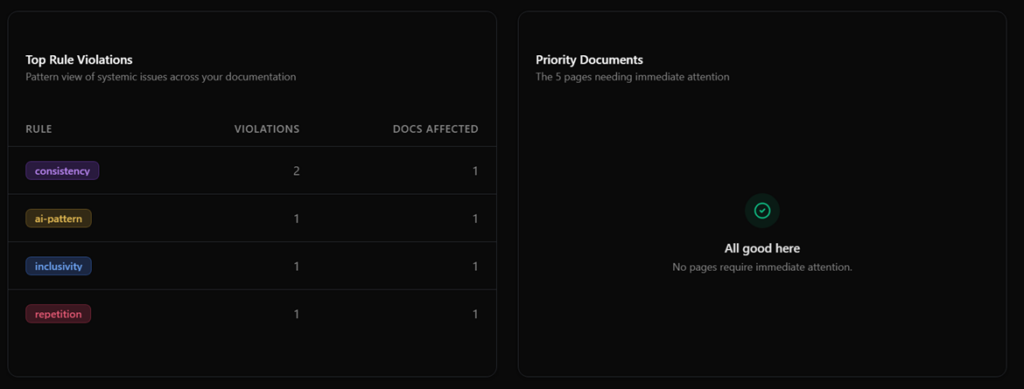
You can also spot patterns with the Top Rule Violations table and see which pages need immediate attention in the Priority Documents list.
What’s Coming Next?
We’re shipping fast. Here’s what’s already in the pipeline:
GitHub Integration — Connect your repositories and run quality audits automatically on every pull request. VectorLint will post results directly as PR comments and check runs. Your documentation gets reviewed alongside your code.
Try It Today
We built VectorLint because we believe documentation deserves the same automated quality standards as code. Sign up, add a file, and see your quality score in seconds.